February 14, 2026
From Prompt to Palette: A Color-First Guide
A practical way to steer mood and color without overstuffing your prompt.
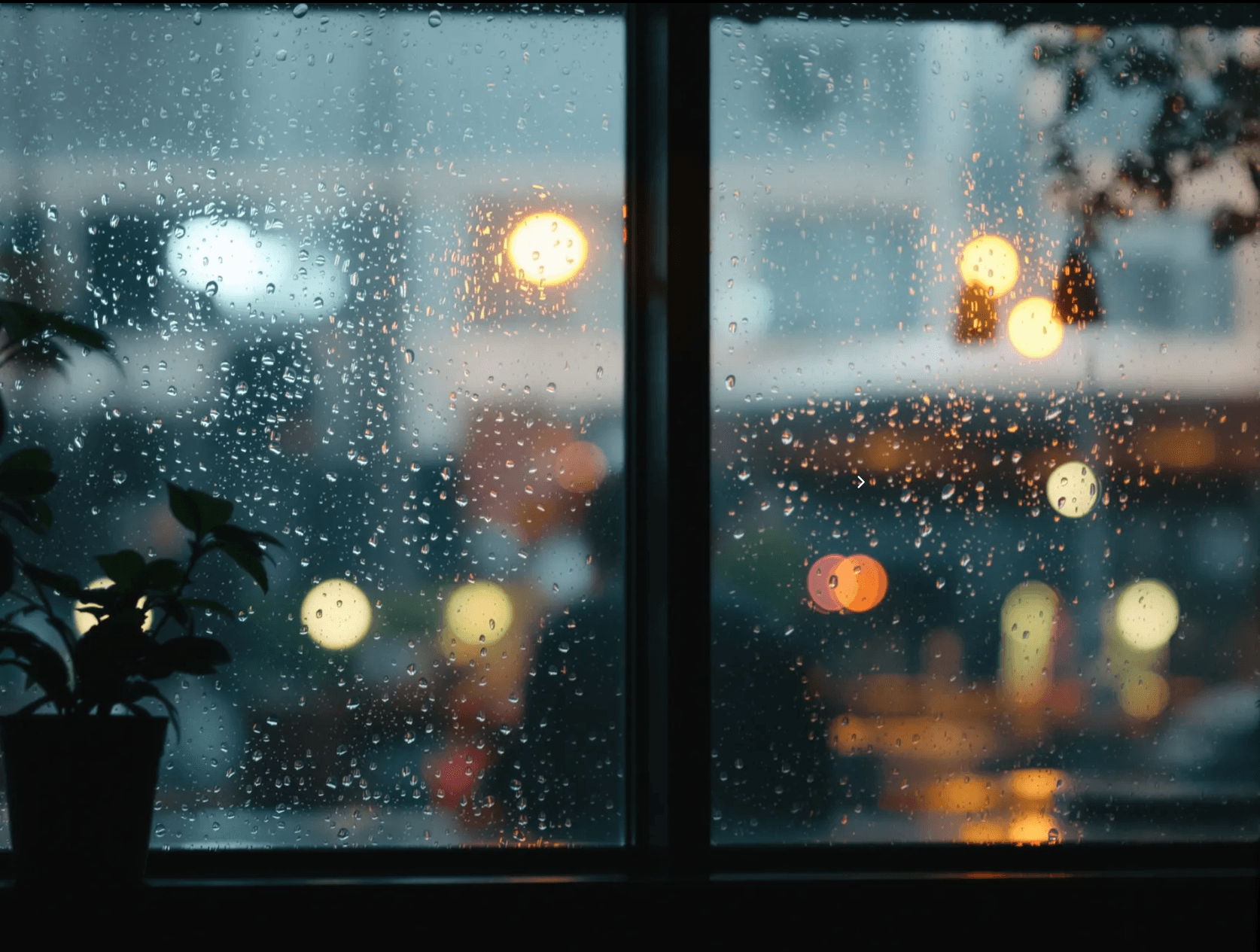
Color is the fastest way to change how an image feels. You can say "golden hour" and get warmth, but if the palette is fuzzy, the mood will be too.
How do you control color without micromanaging the prompt?
Choose one primary color family, one contrast color, and one lighting note. That trio gives the model enough direction without boxing it in. You get mood control and still leave space for happy accidents.
Start with a palette sentence
I like a short palette line before any technical detail:
Muted teal and amber, soft contrast, cinematic dusk.Then I add the subject in a second sentence:
A quiet cafe interior, rain on the window, shallow depth of field.The order matters. When the palette leads, the image tends to respect it. If you are working on a brand story, the brief-to-visual flow in this post shows how to keep mood consistent across scenes.
Try describing the light before the subject. It often keeps the palette cohesive across reruns.
The "contrast pair" trick
If everything feels washed out, name a contrast pair: warm/cool, soft/hard, fog/spotlight. You are not adding details, you are steering tension. That tension makes the image memorable.
A short example you can steal
Warm amber highlights with deep teal shadows, low-key lighting.
Portrait of a designer at a workbench, dust in the air, 50mm lens.
Run it. Then change only the subject line and see how the palette holds. See more palette-driven work in the community gallery.
Final takeaway
Palette control is a mindset, not a list of keywords. Lead with mood, lock in a contrast pair, and let the subject sit inside that light. If your images suddenly feel cohesive, that is the palette doing its job. For a broader look at styles, tools, and techniques, our AI art generator guide covers the full landscape.
Ready to try it yourself?
Create AI images and videos with Myjourney. 100 free credits, no credit card needed.
Related posts
How to Make AI Images for Free: 5 Ways That Actually Work in 2026
Want to create AI-generated images without paying? Here are 5 legitimate ways to make AI images for free, from browser tools to open-source models.
Liked this post?
Get notified when we publish new guides, tips, and comparisons. No spam.