Back to Gallery
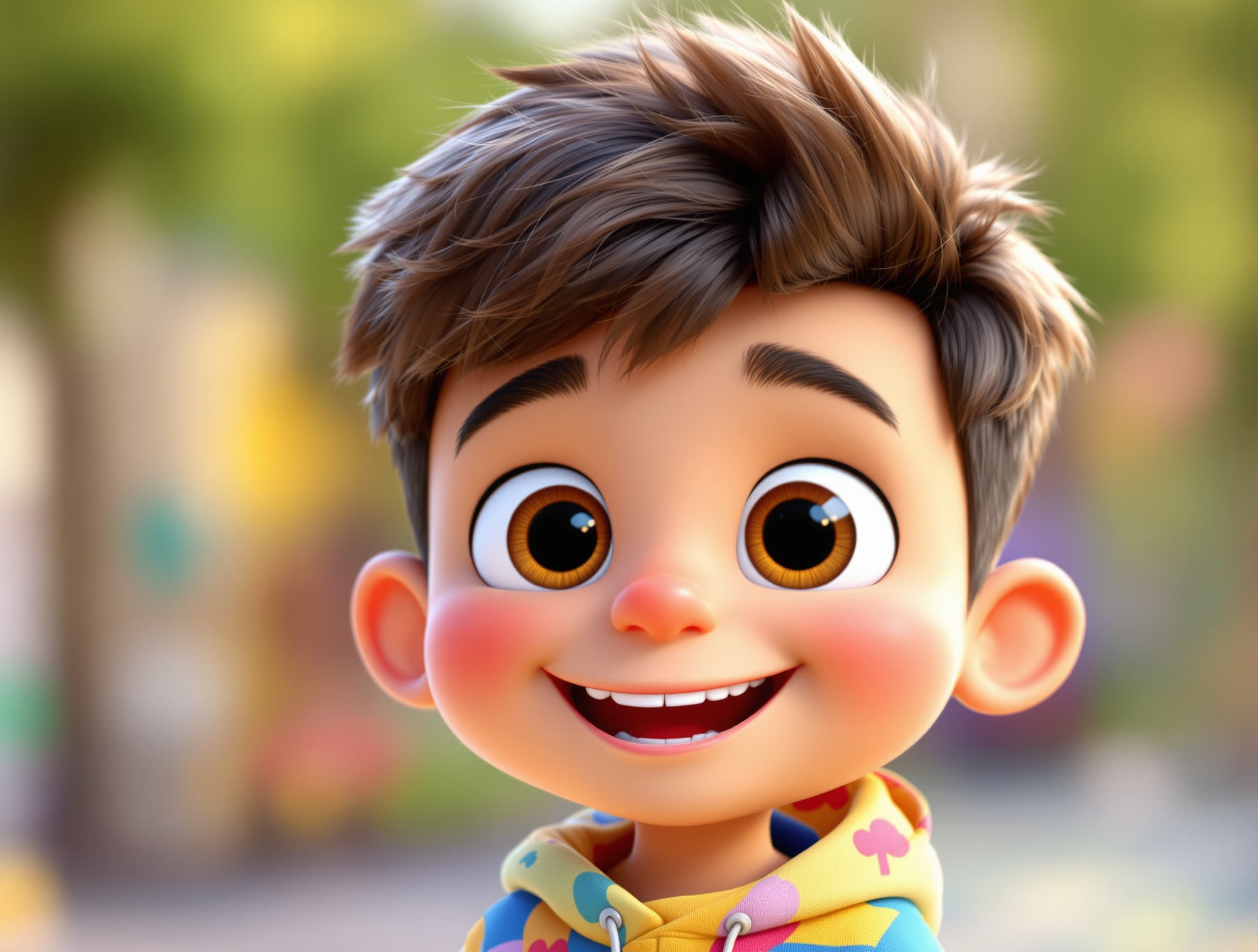
1. Create Kiko Use an AI image generator to make one consistent character: β€œCute 3D cartoon boy named Kiko, big expressive eyes, colorful clothes, friendly smile, children's animation style.” 2. Generate the scenes For the first 30–45 second video, make about 6–8 short scenes: Kiko finds the mystery box πŸ“¦ He shakes it The box glows ✨ Kiko opens it A funny surprise appears Kiko dances Ending with the channel logo I can actually generate the character and scene images for you here.4. Add the song Use the lyrics we made and either: record your own voice, or use a licensed AI voice/music generator. 5. Edit + upload Make it 16:9 for normal YouTube

Prompt

1. Create Kiko Use an AI image generator to make one consistent character: β€œCute 3D cartoon boy named Kiko, big expressive eyes, colorful clothes, friendly smile, children's animation style.” 2. Generate the scenes For the first 30–45 second video, make about 6–8 short scenes: Kiko finds the mystery box πŸ“¦ He shakes it The box glows ✨ Kiko opens it A funny surprise appears Kiko dances Ending with the channel logo I can actually generate the character and scene images for you here.4. Add the song Use the lyrics we made and either: record your own voice, or use a licensed AI voice/music generator. 5. Edit + upload Make it 16:9 for normal YouTube

Try This Prompt𝕏 Post

Create your own

100 free credits on signup. No credit card needed.

Start Creating Free